


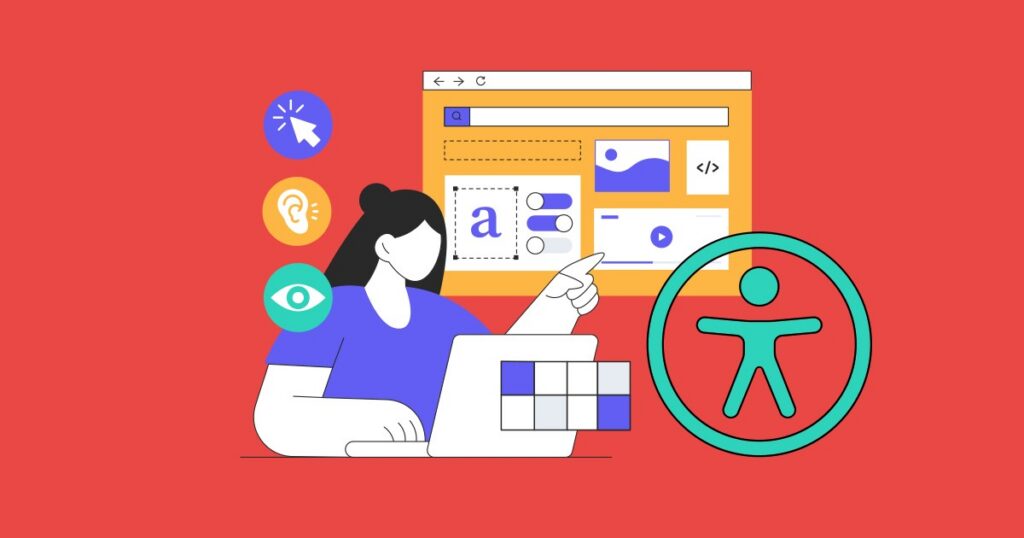
Web accessibility matters because it decides whether everyone who visits your website can actually use it. An accessible site works for people who rely on screen readers, keyboards, captions, or larger text, and it tends to work better for everyone else too. For a business, that means more people can contact you, search engines can understand your pages, and you’re on firmer ground if someone questions whether your site is usable.
It’s easy to think of accessibility as a technical checkbox or a legal chore. In our experience, it’s closer to good customer service. If a visitor can’t read your text, fill out your form, or find your phone number, the cause doesn’t matter much to them. They simply leave.
What is web accessibility?
Web accessibility means designing and building a website so people with disabilities can perceive, understand, navigate, and interact with it. That includes people who are blind or have low vision, people who are deaf or hard of hearing, people with motor disabilities who can’t use a mouse, and people with cognitive differences who need clear, predictable pages.
The common standard is the Web Content Accessibility Guidelines, or WCAG, published by the W3C. The current version, WCAG 2.2, groups its guidelines under four principles. Most businesses aim for Level AA, which is the level our team tests against.
| Principle | What it means | Examples on a business website |
|---|---|---|
| Perceivable | Visitors can see or hear the content in some form | Alt text on images, captions on videos, enough color contrast |
| Operable | Visitors can use the site with a keyboard and other tools | Visible focus states, menus that work without a mouse, no time traps |
| Understandable | Content and controls behave in clear, predictable ways | Plain language, labeled form fields, helpful error messages |
| Robust | The site works with browsers and assistive technology | Clean HTML, proper headings, buttons and links coded correctly |
Why does web accessibility matter for your business?
The first reason is reach. The CDC reports that more than 1 in 4 adults in the United States have some type of disability, and many more people have temporary or situational limits, like a broken wrist, a bright screen outdoors, or a noisy room. If your site only works for people with perfect vision and a mouse, you’re turning away a meaningful share of potential clients before they read a word.
The second reason is trust. Visitors judge your business by how your website treats them. A site that is easy to read, easy to navigate, and easy to contact through feels professional. A site with tiny gray text, unlabeled forms, and buttons that don’t work with a keyboard sends the opposite message.
The third reason is that most of the web still falls short, which makes accessibility a real way to stand out. In its February 2026 review of the top one million home pages, WebAIM found detectable WCAG failures on 95.9% of them. Low contrast text showed up on 83.9% of pages, and more than half had images missing alternative text.
Does web accessibility help SEO?
Yes, many accessibility practices are also good SEO practices. Descriptive alt text helps search engines understand your images. A clear heading structure helps them understand how your page is organized. Descriptive link text, readable copy, and fast, stable pages help both visitors and crawlers.
The same structure helps AI search tools too. When your pages use real headings, labeled content, and plain language, it’s easier for tools like Google’s AI Overviews and ChatGPT to read and summarize them. Accessibility won’t guarantee rankings on its own, but it removes barriers that can hold a good page back.
What are the legal reasons to make your website accessible?
Under Title III of the Americans with Disabilities Act, courts have often treated business websites as places of public accommodation, and website accessibility lawsuits have become common in the United States. The ADA doesn’t spell out a technical standard for private business websites, so courts and settlements usually point to WCAG 2.1 or 2.2 Level AA. Our guide to building an ADA compliant website walks through the background.
We’re not attorneys, and this isn’t legal advice. What we can say from experience is that an accessible site is easier to defend than one that has never been tested, and fixing issues before a complaint arrives is far less stressful than fixing them under a deadline.
What are the most common accessibility problems on business websites?
The same handful of issues come up again and again. These are also the problems automated scans catch most often, so they’re a good place to start:
- Low color contrast. Light gray text on white or white text over busy photos is hard for many people to read.
- Missing alt text. Images that carry meaning need a short description. Our post on writing image alt text for accessibility shows how.
- Unlabeled form fields. Contact and quote forms need labels a screen reader can announce, not just placeholder text.
- Empty or vague links and buttons. Icons with no text and links that say “read more” don’t tell anyone where they go.
- Keyboard traps. Menus, popups, and sliders that can’t be opened or closed with a keyboard stop people cold.
How do you know if your website is accessible?
Start with a free automated scan. Tools like WAVE flag issues like contrast, missing alt text, and empty links in a few minutes, and our roundup of web accessibility tools covers a few more options. Then try a simple manual test: put your mouse aside and use the Tab key to move through your homepage and contact form.
Automated tools can’t catch everything. They won’t tell you whether your alt text makes sense or whether your page order is confusing. A full review combines scans with keyboard and screen reader testing by someone who knows WCAG.
How do you make an existing website more accessible?
You don’t have to fix everything at once. Begin with the pages that matter most to your business, usually the homepage, your main service pages, and your contact form. Fix contrast, labels, alt text, and keyboard access there first, then work outward.
Then make accessibility part of how you publish. Give every new image alt text, use real headings instead of bold text, and caption new videos. Accessibility isn’t a one-time project, because every new page and plugin can introduce new issues.
Be cautious with accessibility overlay widgets that promise instant compliance with one line of code. They don’t fix the underlying code, and many people who use assistive technology find they get in the way. Fixing the site itself is the more reliable path.
How does TinyFrog approach web accessibility?
Accessibility is built into how we design and develop, not added at the end. We’re a San Diego web design and development agency that has partnered with businesses since 2003, with 14+ years of specialized WordPress expertise. We host and maintain 650+ websites on WP Engine’s managed WordPress platform, build every site to WCAG accessibility standards, and have earned 250+ reviews with a 4.9-star average. Our team tests against WCAG 2.2 AA with tools like WAVE and Pope Technology, along with keyboard testing, so accessibility is checked before a site goes live.
Frequently Asked Questions
Is web accessibility required by law for small businesses?
In the U.S., courts have often applied the ADA to business websites, and size alone doesn’t exempt you. The law doesn’t name a technical standard, so most businesses follow WCAG 2.1 or 2.2 Level AA as the benchmark.
What does WCAG stand for?
WCAG stands for Web Content Accessibility Guidelines. Published by the W3C, they’re the most widely used standard for accessible websites. The current version is WCAG 2.2, and most businesses aim for Level AA conformance.
Can an accessibility plugin or overlay make my site compliant?
Not on its own. Overlays sit on top of your site and don’t fix the underlying code, so issues like unlabeled forms and keyboard traps usually remain. Fixing the design, content, and code is the dependable approach.
How often should I check my website for accessibility?
Check after every major update and at least a few times a year. New pages, images, plugins, and design changes can all introduce issues, so ongoing scans and spot checks keep a site from drifting out of compliance.
Does accessibility change how my website looks?
Usually only a little. Most fixes happen in the code, like labels and headings, or in small design choices like stronger contrast and visible focus outlines. A well-designed accessible site still looks polished and on brand.
Ready to make your website work for every visitor?
An accessible website reaches more people, builds more trust, and gives you more peace of mind. If you’d like an expert look at where your site stands, explore our web accessibility services or schedule a free consultation to talk it through.