



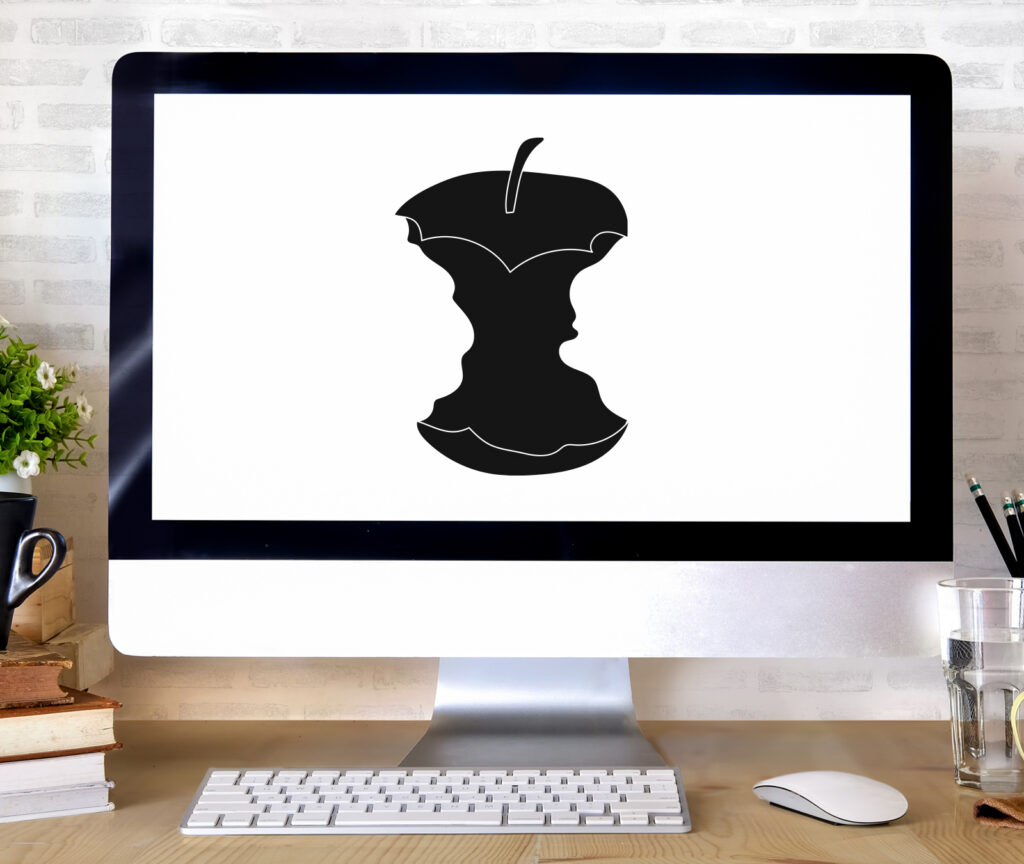
Minimalist website design usually isn’t the right choice for a small business, at least not the stripped down version people picture when they point to Apple. That look works when visitors already know who you are and trust you. Most small businesses don’t have that head start, so a sparse, image heavy site leaves the exact questions a first time visitor needs answered sitting unanswered.
Clients ask us for this style all the time. They send over the Apple website and tell us they love the clean space, the big imagery, and the near absence of text. We understand the appeal. The catch is that Apple’s approach works for Apple, and it tends to fail the businesses that copy it.
Here’s why. Apple can strip everything away because almost everyone already knows what they sell and why they’re worth trusting. That’s brand equity built over decades. When someone lands on your site for the first time, they usually know very little about you. If the page doesn’t quickly explain what you do, how you’re different, and why you’re credible, there’s a good chance they’ll click back and try a competitor.
In this post we’ll cover why minimalist design doesn’t transfer to most small businesses, what your site actually needs to turn visitors into leads, and how to keep a clean, modern look without giving up results.
What Makes Apple’s Website Work for Apple
Apple’s website has one job: show products to an audience that already knows the brand. High quality photography and video carry the message, text stays minimal, and the navigation is organized cleanly by product. Generous white space signals a premium feel, and the branding stays consistent from page to page.
It works because the visitor arrives pre-sold on the company. They know what an iPhone is, they know Apple builds quality hardware, and they already trust the brand. The site doesn’t have to convince them of any of that. It just has to present the newest products and make buying easy.
Why Minimalist Design Falls Short for Small Businesses
Most small businesses don’t carry that kind of recognition. When someone finds your site for the first time, they usually arrive knowing nothing about you. Strip the page down to imagery and a handful of words, and you leave the most important questions unanswered:
- What do you actually do?
- Who do you serve?
- Why should I choose you over a competitor?
- Can I trust you with my project or my money?
- What should I do next?
A beautiful, sparse page doesn’t answer any of these, and when visitors can’t find answers within a few seconds, they leave. We see the pattern constantly. A client shows us an Apple inspired homepage they love, we ask one simple question, “But what does this company do?”, and the answer isn’t clear from the page. Design that looks great but doesn’t convert is decoration, not marketing.
The cost of getting this wrong is quiet but real. You never see the visitors who left because they couldn’t tell what you offered, but they show up in the numbers as a high bounce rate and a contact form that stays empty. For a small business, every one of those lost visitors is a potential lead that a clearer competitor picked up instead.
What Should Your Homepage Communicate Instead?
The foundation of an effective site is a clear value proposition. It answers the visitor’s first question: what do you do, and why should I care? A strong one tells people who you are and what you do, who you serve, how you’re different, the outcome they can expect, and the next step to take. This belongs near the top of the homepage, above the fold, carried by headlines, subheadlines, and a few supporting visuals.
If you want a framework for getting this right, our guide to 5 tips for creating a compelling web value proposition walks through it step by step.
A weak, Apple style value proposition often reads like this: “Innovation and Excellence,” with a subheadline of “We create solutions that transform businesses.” It sounds polished and tells the visitor nothing concrete about what you do or who you help.
A strong one is specific: “Custom WordPress Websites for San Diego Businesses,” with a subheadline of “We build professional, secure websites that turn visitors into customers.” In a single glance, a visitor learns what you do (WordPress websites), who you serve (San Diego businesses), and the outcome they can expect (visitors turned into customers).
How Do You Build Trust on Your Website?
A clear value proposition earns attention. Trust is what keeps it. Apple doesn’t have to prove itself because everyone already believes them, but you do. Trust signals belong somewhere prominent on the homepage, and they include:
- Client testimonials or reviews with real names and photos
- Recognizable client or partner logos
- Industry affiliations or certifications
- Awards and recognition
- Years in business, or the number of clients served
- Case studies and portfolio examples
- Team photos and credentials
These may feel less “clean” than a bare Apple layout, but they do real work: they reduce the friction in a buying decision. Most visitors need a baseline level of comfort before they’ll reach out or make a purchase. A few small, credibility focused changes go a long way here, and our post on 5 website tweaks that boost conversions covers several of them. Without these signals, people are left wondering whether you’re legitimate, experienced, and capable of delivering.
Can You Balance Beautiful Design and Conversion?
The good news is that you don’t have to choose. Clean design and strong conversion can live on the same page. A handful of principles keep them working together.
Start with strategy, then design. Before you choose visuals, get clear on your value proposition, your audience, and your conversion goals. Design should support that strategy rather than lead it.
Use white space with intent. White space builds visual hierarchy and guides the eye, which is genuinely valuable. Just don’t use it to hide information a visitor needs. Apple can afford to be sparse because it has little to explain, and you probably have more to say.
Make text scannable, not scarce. Apple keeps text minimal because its products explain themselves. Your services likely don’t. Use headlines, subheads, and short sections so people can skim, while still giving enough detail to answer the questions they actually have.
Lead with benefits, not just beauty. Strong imagery should support your message, not stand in for it, so give every image a job. Stock photos of strangers shaking hands don’t build trust. Photos of your real work and your actual team do.
Test and measure. Watch how visitors move through the site. High bounce rates or weak conversions often mean the design has become too sparse or the message isn’t clear, and a good looking page that doesn’t convert is a page worth revising.
When Does Minimalist Design Actually Work?
There are cases where a leaner, Apple style approach makes sense. It can work when you already have strong brand recognition in your market, when your products are visually self explanatory, when your audience already understands your industry, or when the site is mostly a portfolio for creative work.
Even in those cases, you still need a clear value proposition and some baseline trust signals. The question is how prominent they need to be, not whether they belong at all.
Frequently Asked Questions About WordPress Hosting
Can I still use Apple’s website as design inspiration?
Yes, but focus on the right elements. Apple’s use of white space, clean typography, and visual hierarchy is excellent. Just don’t adopt its minimalist messaging approach unless you have Apple’s level of brand recognition.
How much text should my homepage have?
Enough to clearly communicate your value proposition, your key differentiators, and your trust signals, without overwhelming the visitor. A good homepage often has 300 to 500 words of high level messaging (headlines, subheads, bullets) plus supporting body copy. The goal is scannable, not minimal.
What if my competitors all have minimalist websites?
That’s an opportunity. If your competitors have beautiful but unclear sites, you can stand out by being the business that clearly explains what it does and why it’s the better choice. Clarity often beats aesthetics when it comes to conversion.
Should I hire a web designer or a web strategist?
Ideally both. A web designer focuses on visual aesthetics, while a web strategist focuses on messaging, conversion, and user experience. The best websites integrate the two. At TinyFrog, our process includes strategic planning and custom design together.
How do I know if my website has a clear value proposition?
Show your homepage to someone unfamiliar with your business for five seconds, then ask them what you do and who you help. If they can’t answer clearly, your value proposition needs work. It’s a simple test that quickly reveals whether your messaging is clear or too minimal.
Is minimalist web design still a good trend for small businesses in 2026?
Minimalism as an aesthetic is still current and looks great, so there’s nothing wrong with a clean, modern layout. The problem is minimalism as a lack of messaging. In 2026, the sites that perform pair a clean look with clear content that answers questions fast, which also helps AI search tools understand and cite your pages.
The Right Design Strategy for Your Business
Apple’s website succeeds because it’s aligned with Apple’s brand position and audience expectations. The mistake isn’t admiring that design. The mistake is assuming that what works for one of the most recognized brands on earth will work for a business without that recognition.
Your website has to work harder than Apple’s. It needs to explain what you do, prove you’re trustworthy, set you apart from competitors, and guide visitors toward taking action, and you can do all of that while keeping a clean, modern design. If a redesign is on your radar, our 5 questions for your 2026 website redesign is a useful place to start.
At TinyFrog Technologies, we help clients balance aesthetic design with strategic conversion, and we build custom website design and development that looks great and actually generates leads. If you’re planning a new site or rethinking your current one, get in touch and we’ll talk through how to make it both beautiful and effective.